
Album cover on your desktop
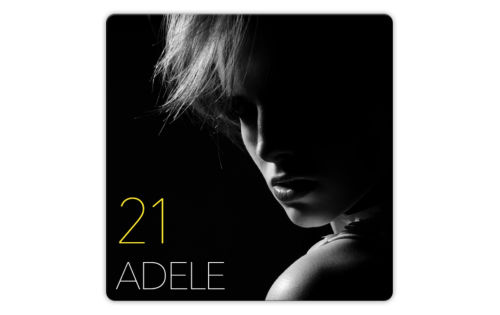
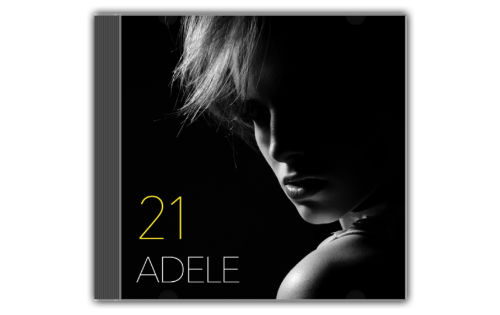
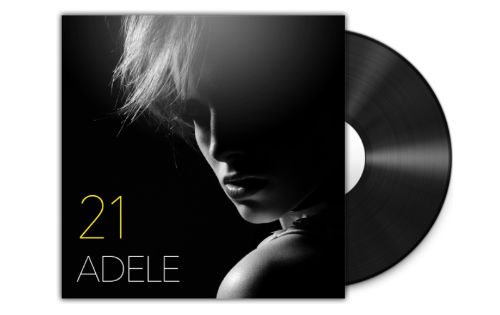
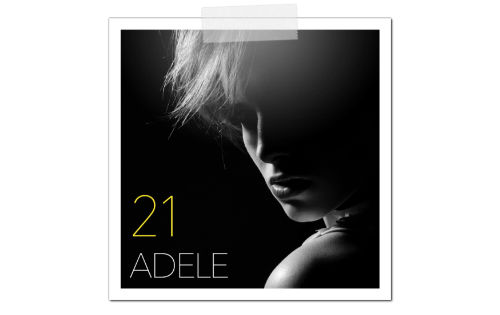
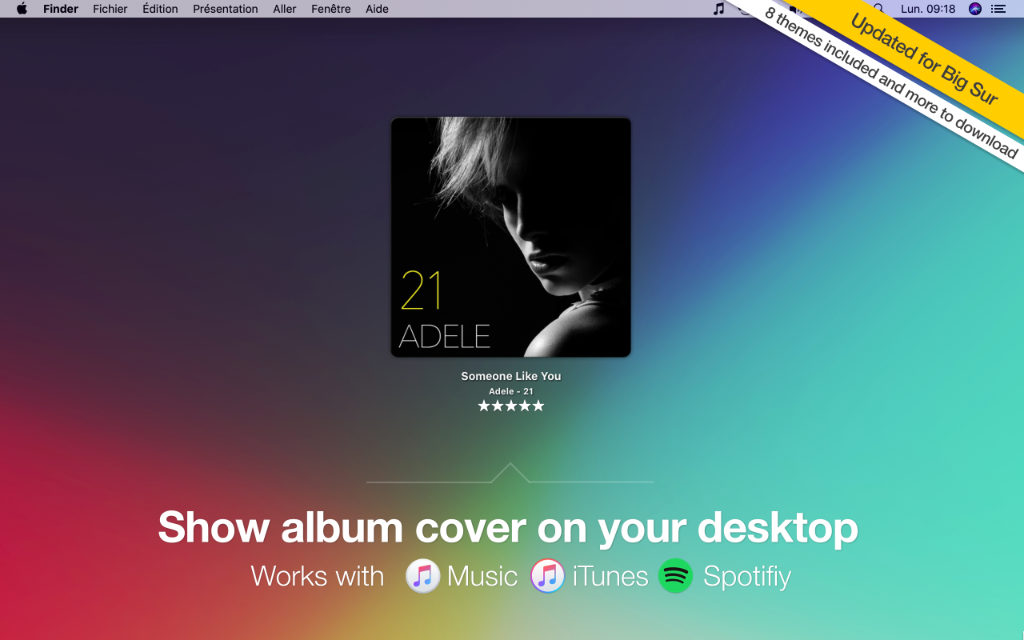
Display a gorgeous album cover on your desktop to always know what your favorite music app is playing. We provide 8 different themes like vinyl cover, classic, CD case, and others can be downloaded.
You can also control playback status and display the track name, artist and album name. Everything is customizable!
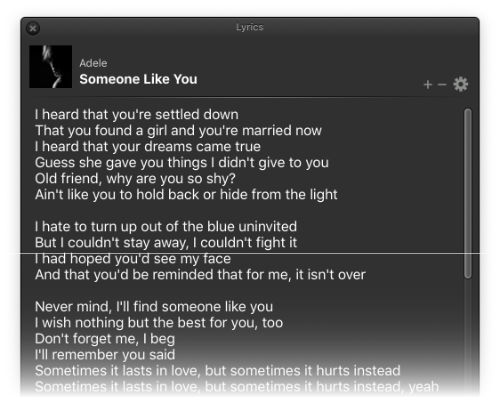
Display lyrics
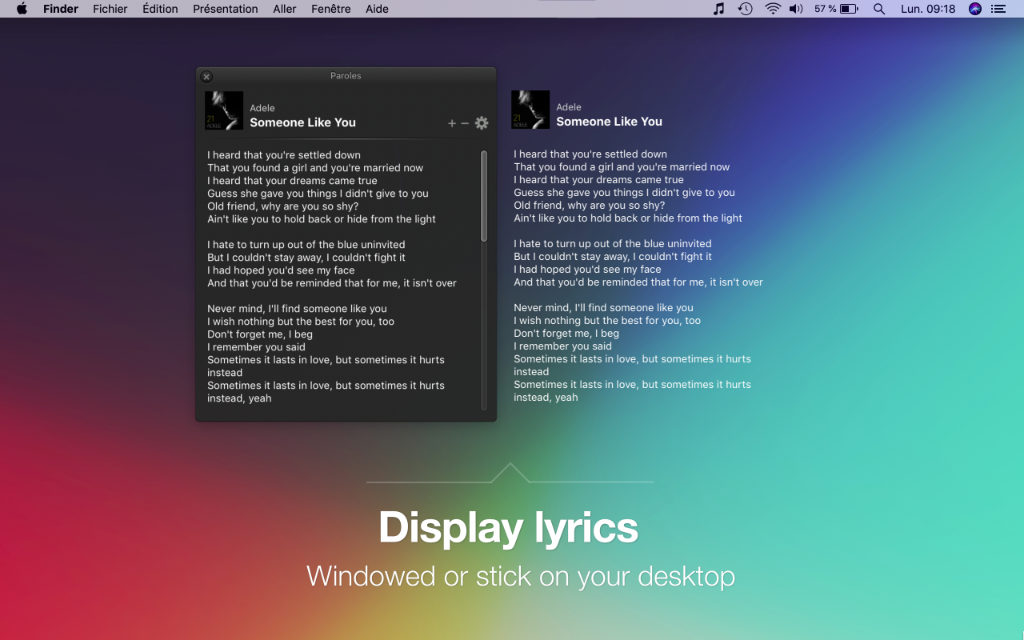
You love to sing on your favorite tracks? You’ll enjoy our unique feature that displays lyrics of current song in a specific window or sticked on your desktop. If your song does not embed lyrics, you can edit them by yourself or launch a search on Google.
iTunes, Music or Spotify, your choice
TunesArt has been the best iTunes companion for years. Spotify client for Mac is also supported and Music app on macOS Catalina too.



Search in your library, faster
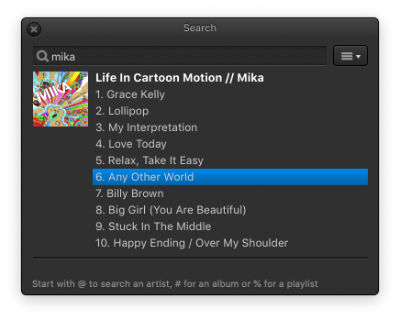
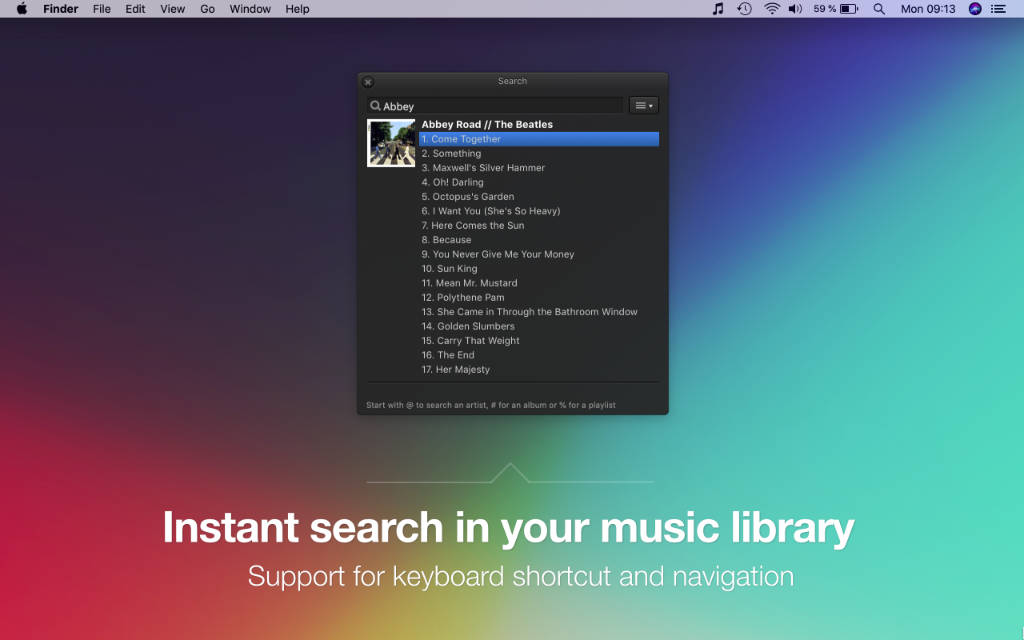
Starting a new particular song in iTunes, Music or Spotify requires too many clicks. TunesArt lets you search in your music library even faster: open the search panel with a customizable keyboard shortcut, enter your keyword and results appear with no delay! Everything can me performed just with your keyboard to stay focused on what you do.
Keyboard shortcuts
Have you ever been frustrated to quit your keyboard just to perform some basic actions, like controlling the playback or rating a track? With TunesArt, you’ll save your time with keyboard shortcuts, available for most functions. All shortcuts are customizable and are available everywhere, everytime.
Socialize
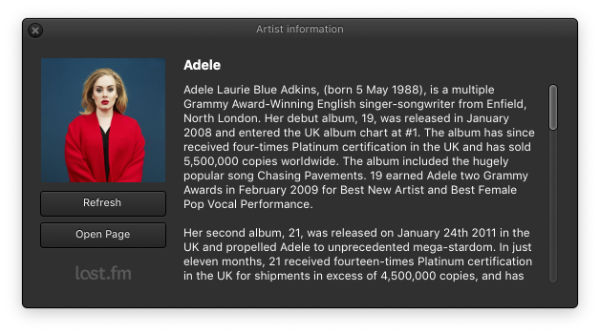
TunesArt integrates with Last.fm and its unique feature called ‘Scrobbling’. Automatically publish on your Last.fm account what you’re listening to, and get detailed information about an artist.
Posting on Twitter what you’re listening is so easy with TunesArt, with just one click or a keyboard shortcut. You can customize the default Tweet in TunesArt preferences and include album cover.
TunesArt speaks your language
 English
 French
 German
 Italian
 Dutch
Dutch Chinese
 Slovak
 Turkish
 Russian
 Brazilian
ALL FEATURES
TunesArt will extend your favorite music player with dozen of useful features.
Display a gorgeous album cover on your desktop, along with track information.
Choose among 8 different cover styles, and download new themes to fit your needs.
Display a customizable notification when track changes, in macOS notification center.
Next track, previous track, play, pause… control everything in menubar or on album cover.
Get all details about an artist, like biography, photo, discography… (info provided by Last.fm).
Update your account by scrobbling current track (now playing + normal modes).
Publish on Twitter information about the track you’re playing, including album cover.
Display playback controls, scrolling track’s title and rating in the macOS menubar.
Quickly search a song, an album or a playlist, without opening iTunes, Music or Spotify.
Display track’s lyrics on your desktop or in a window, and edit them easily.
Easily edit tracks information of your iTunes/Music library and add missing album cover.
Rate the song you’re listening to, either from menubar, album cover or main menu.
Starting to play an iTunes/Music playlist has never been easier with TunesArt.
Set customizable shortcuts for all functions, like search, lyrics, player controls, ratings…
TunesArt can interact with Spotify client for Mac, and obviously iTunes and Music.
TunesArt looks gorgeous on your MacBook or MacBook Pro with Retina display.
TunesArt is fully optimized for the latest release 12.0 of macOS, called “Monterey”.
TunesArt now runs natively on the new Apple Silicon M1 processor.
SCREENSHOTS
WHY TUNESART?
Lightweight
Small memory footprint to run as fast as possible on any system
Customizable
Will always fits your needs, with many themes and settings
Compatible
Works with iTunes, Music and Spotify, from macOS 10.9 to 11.0 Big Sur
Full-featured
Extend your favorite music player with premium features

Get TunesArt for Mac now
Try for Free Buy Now
Version 1.9.8 – 11/08/2021
Requires macOS 10.9 or later – Notarized by Apple
64-bit processor Intel or Apple Silicon M series
15 days Free Trial with time limit
Release notes
Thank you for downloading TunesArt
Your download will begin shortly…
If your download did not start, click here.
Please subscribe to our newsletter if you wish to receive emails with news and offers as well as recommendations from us.